MindMaster CRM for Android
Clients book themselves. You see it wherever you are.
Share your own booking link. When a client picks a time, the session lands in your diary. Mark it done, add the fee, and your day adds up. On your phone and on your tablet.
Coming soon to Google Play
Be the first to use it.
One email when it is live on Google Play, nothing else. Same account and data as the website.
How a booking reaches you.
From your link to the fee in your pocket, without a single phone call.
Step 1
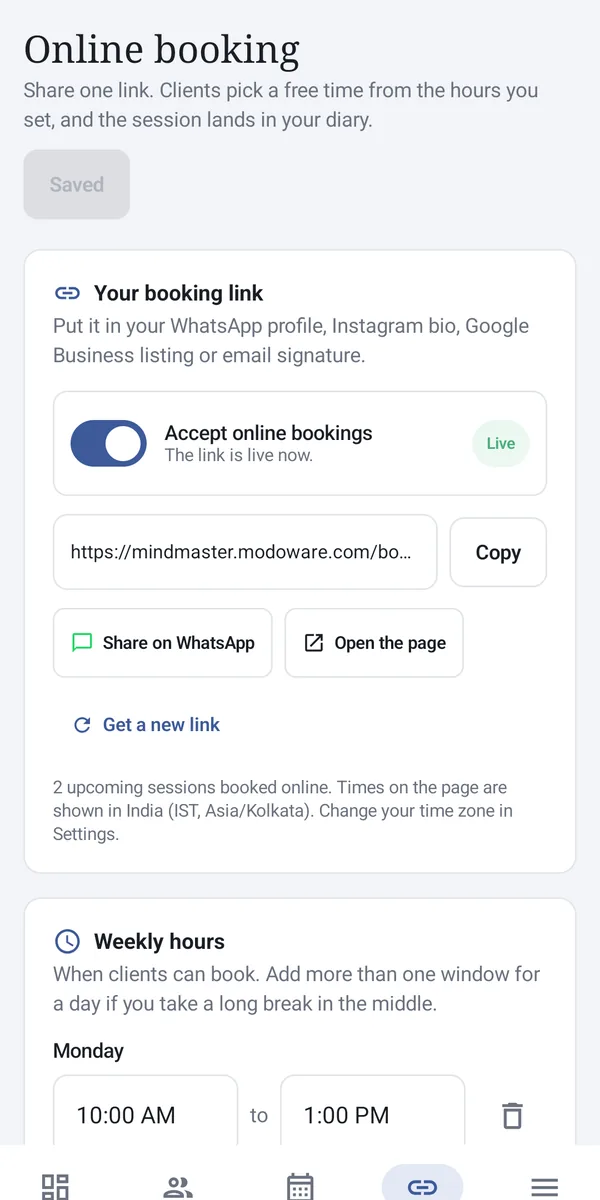
Share your link
Put it in your WhatsApp profile, Instagram bio or email signature.
Step 2
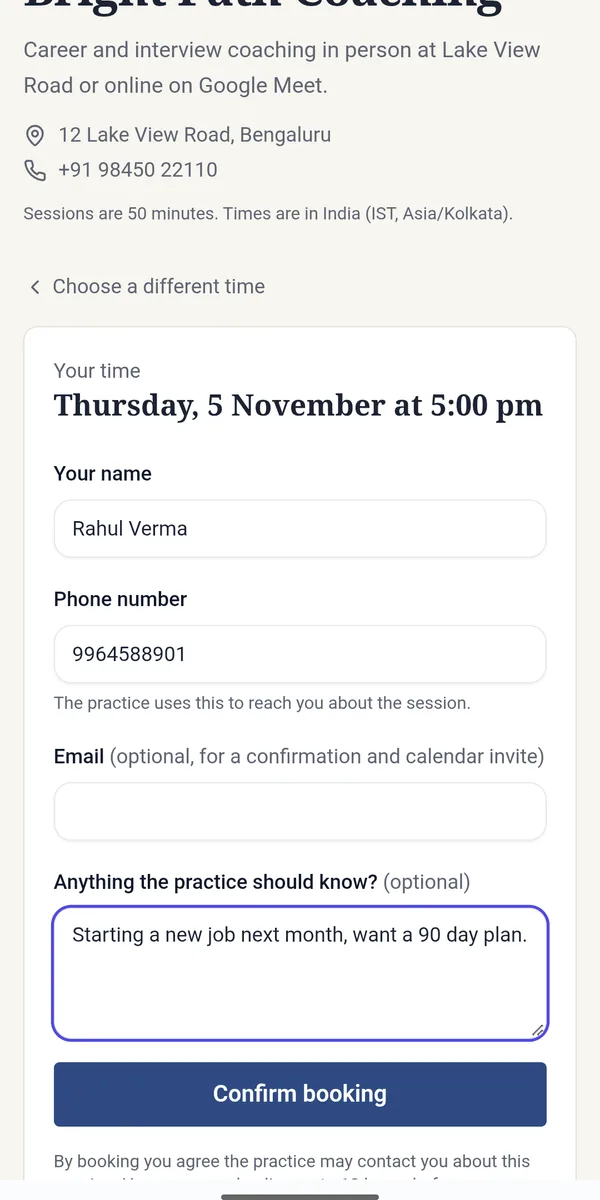
Your client picks a time
They see only your free hours and book in under a minute. No calls.
Step 3
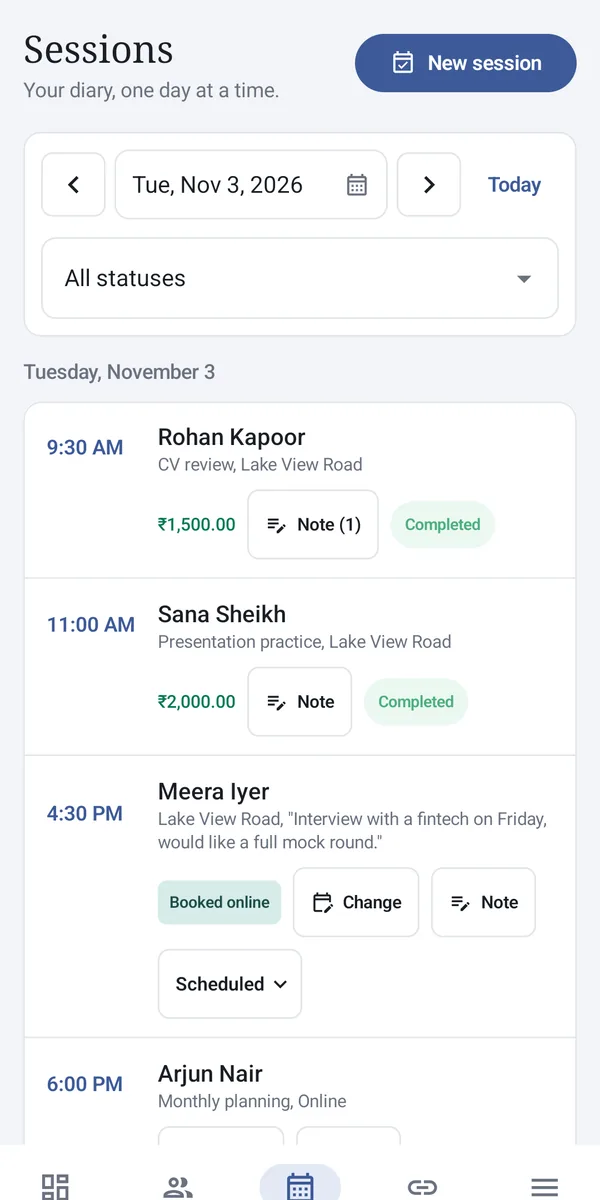
It lands in your diary
Marked Booked online, with the note your client left for you.
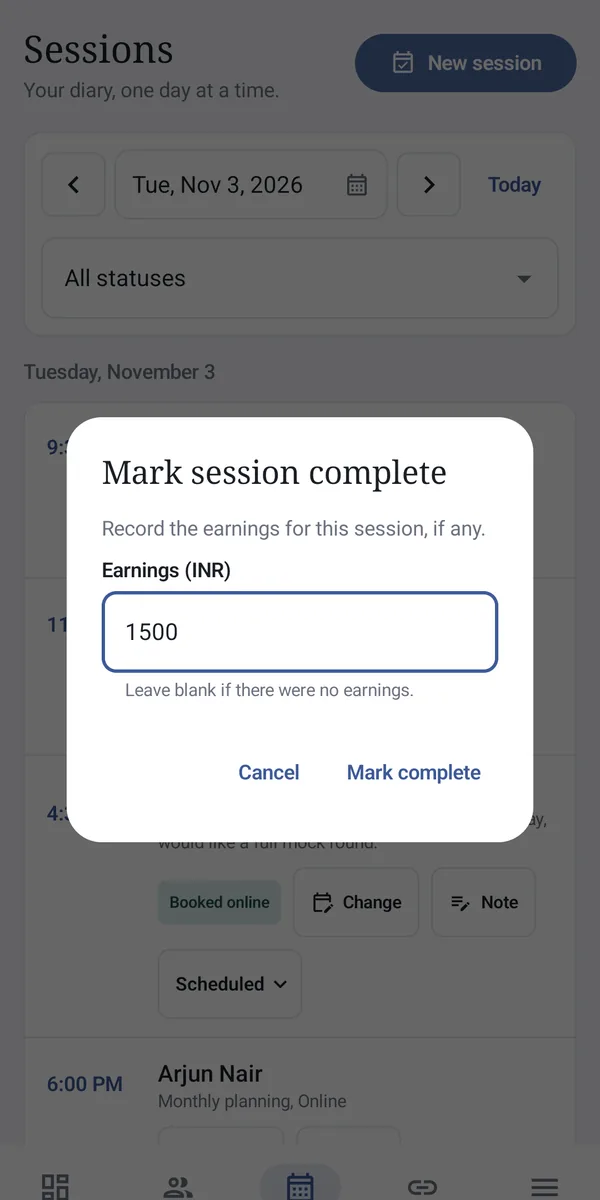
Step 4
Record the fee
Mark the session done and add what they paid. Today's total updates at once.
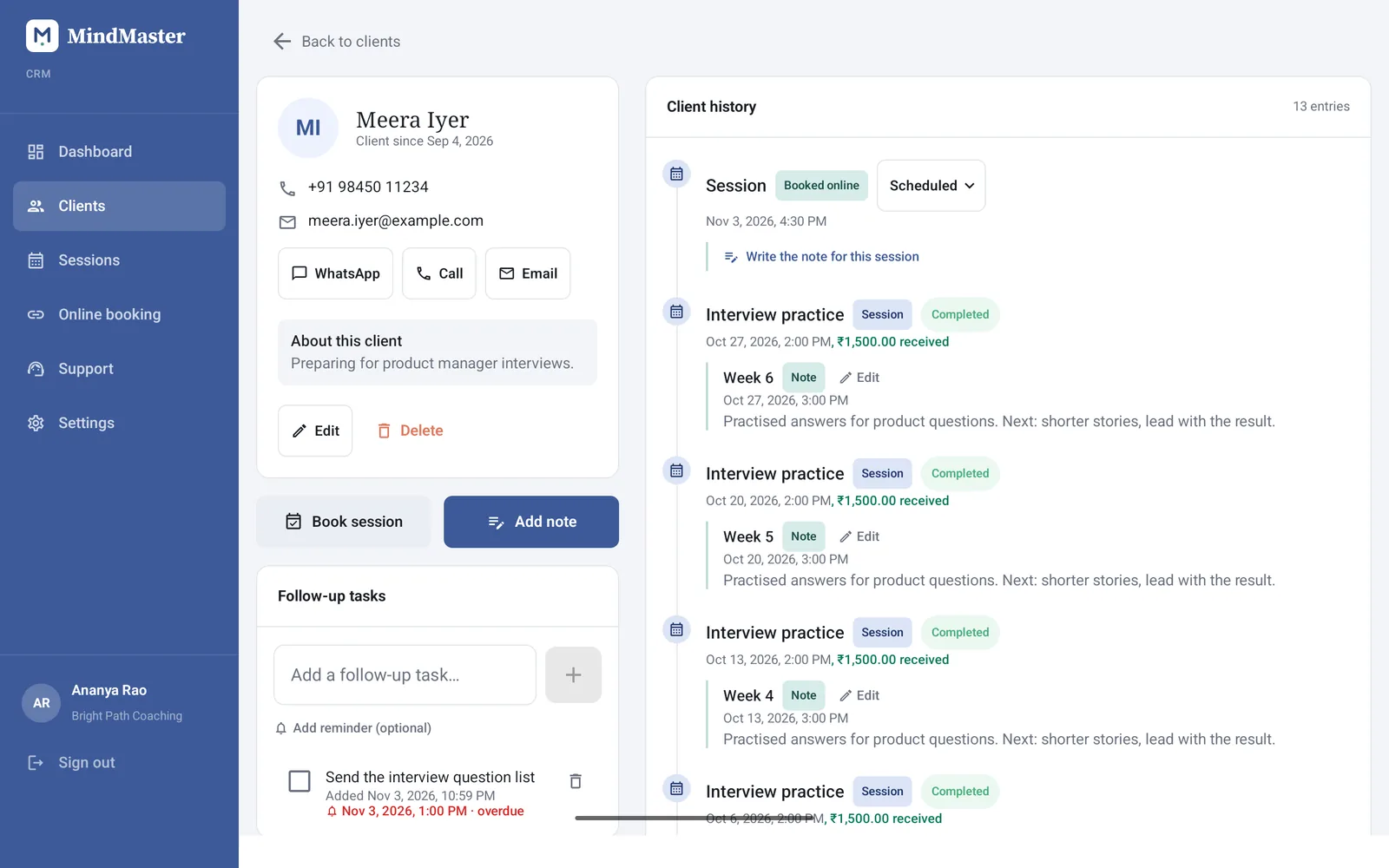
Made for your tablet too.
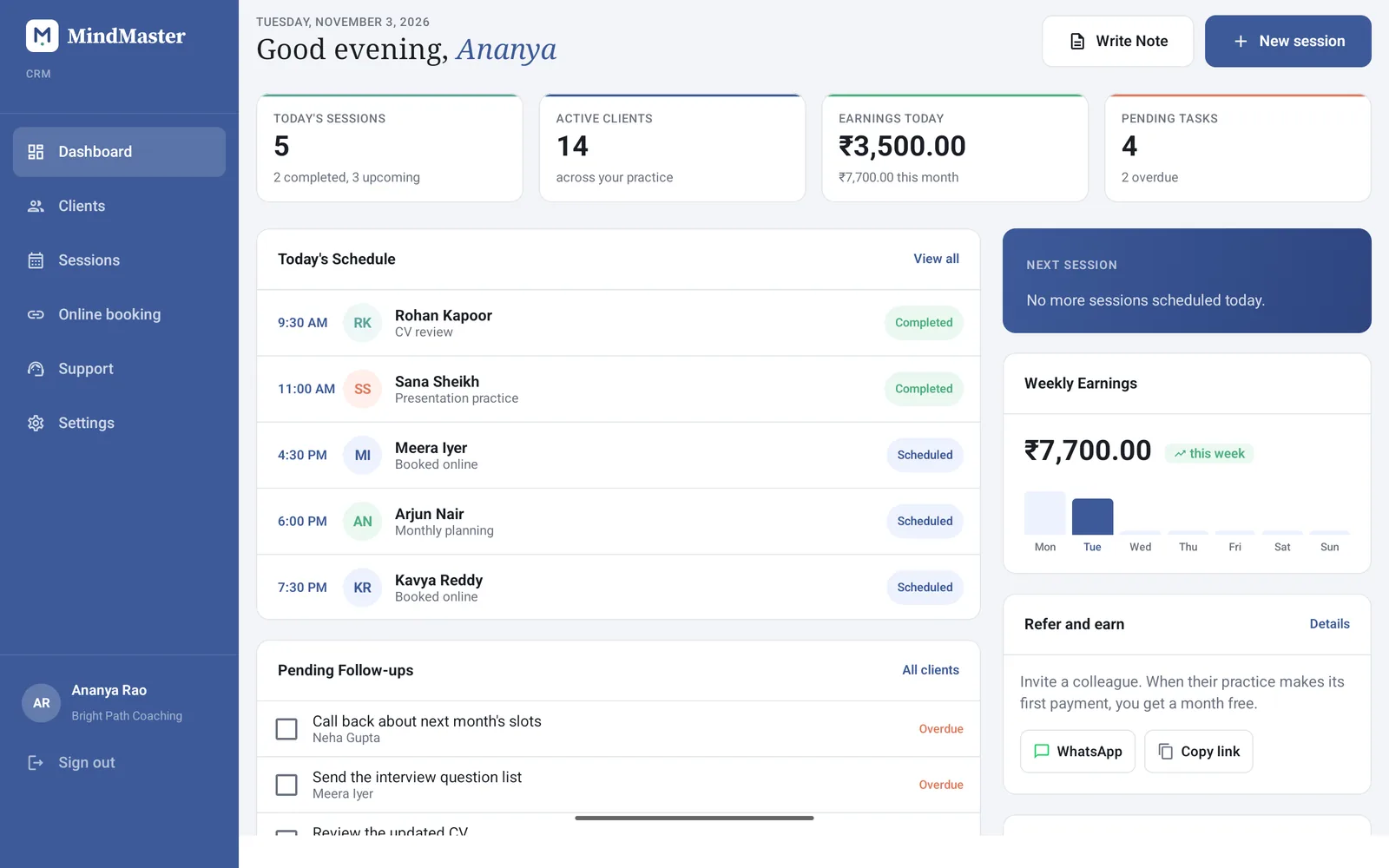
Each client's history, notes and payments on one screen, with room to read before they walk in.
The full layout
A side menu and wide pages, just like the website.
Same account
Sign in with your MindMaster email. Everything is already there.
Your data stays yours
Each practice sees only its own records, on the app and the web.
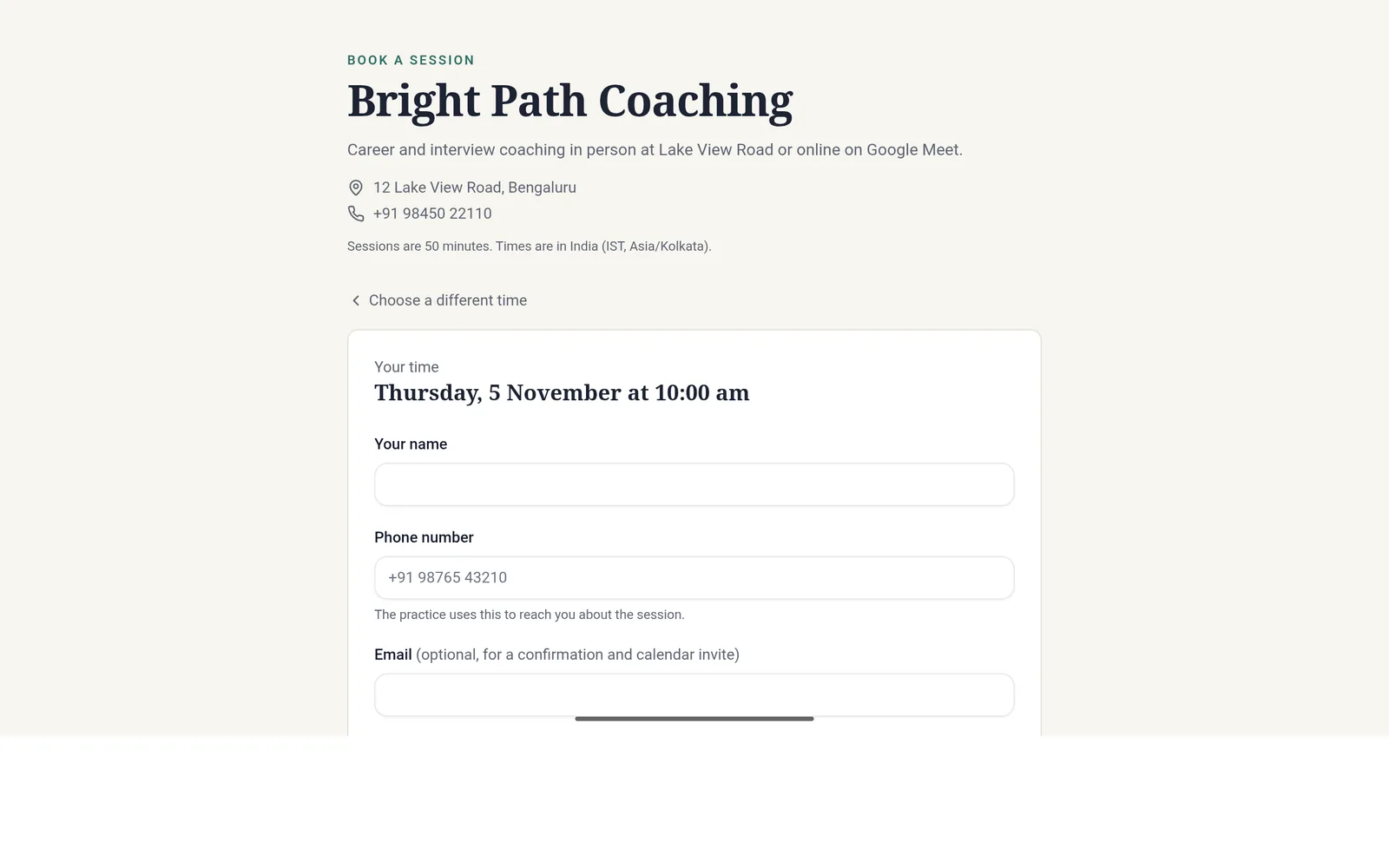
What your clients see.
A clean page with your name, your address and only the times you are free. It works in any browser, so your clients never need the app.
Be among the first on Google Play.
Until then, everything in the app already works on the website, on any phone or computer.